
FitHaven journal
Are Golf Simulators Accurate? What to Trust
A simulator can offer remarkably useful feedback, but accuracy is not one number. Learn what the system measures, what it calculates and how to judge the results with confidence.
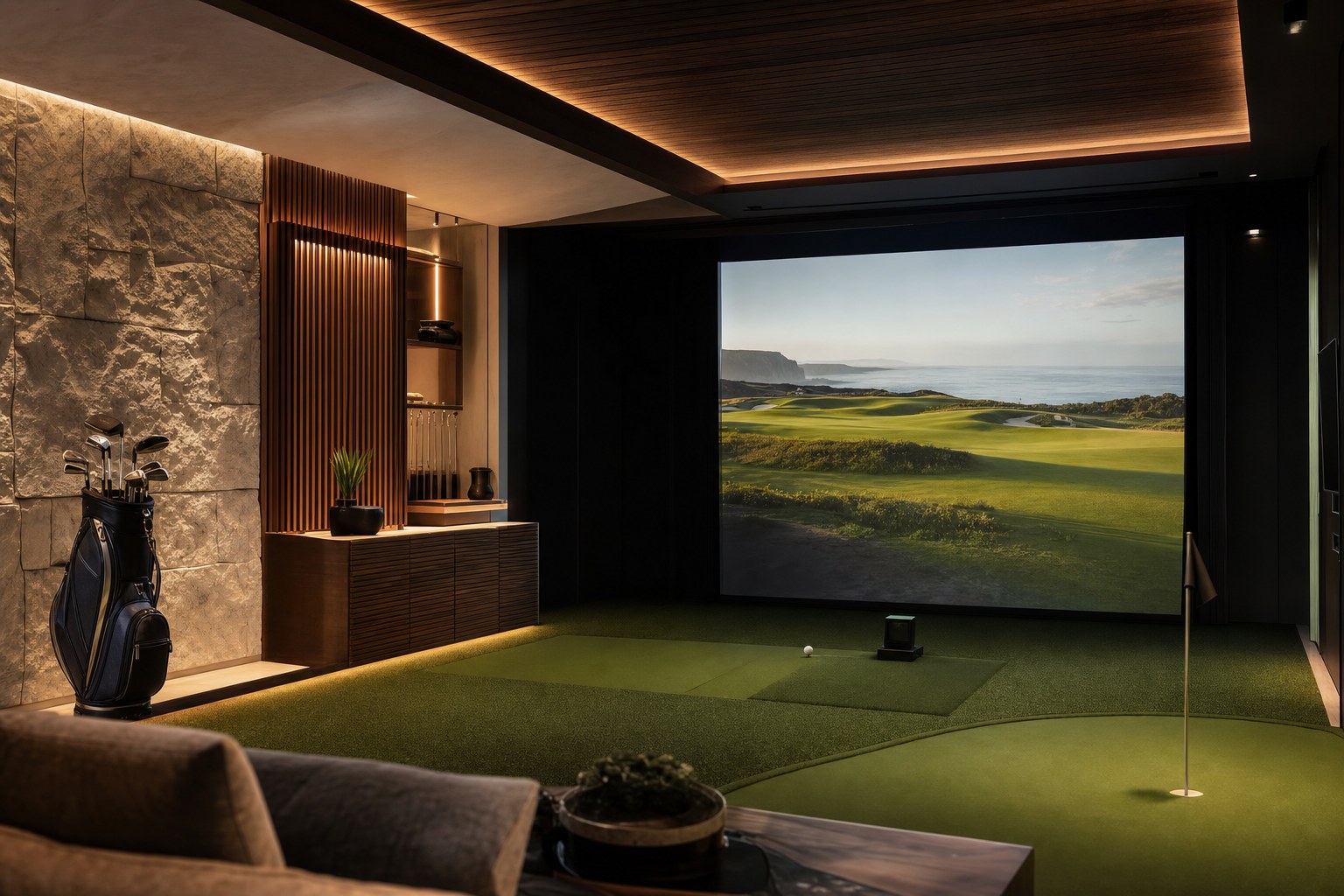
Golf simulators can be accurate enough to make indoor practice productive and a home round genuinely engaging. The important qualifier is that a simulator is a system, not a single reading. The launch monitor captures information at or just after impact, the software turns that information into a modeled ball flight and the room determines whether the equipment can do its job as intended.
That is why a useful answer is more practical than a promise of perfect precision. A strong setup gives you repeatable feedback: a centered strike behaves differently from a thin one, a swing change has a visible pattern and a well-struck club produces a believable range of results. It does not eliminate the differences between a controlled indoor session and wind, turf, lie, temperature and decision-making on a real course.
Start with what the simulator actually knows
Every simulator begins with a launch monitor. Depending on the model, it may use cameras, radar or a combination of technologies to capture ball and club information. That information can include ball speed, launch direction, launch angle, spin, club delivery and impact details. What the monitor can directly see, and what it must infer, varies by model and setup.
Trackman’s simulator overview explains that its Trackman 4 and indoor-focused Trackman iO use radar and camera technology in their measurement system. The useful takeaway for a buyer is not that every monitor works the same way. It is that the quality of a simulated shot begins with the quality and type of information the selected monitor captures.
After impact, software projects the rest of the flight. It has to account for a ball that will not travel the full distance inside the room. That makes the result a blend of measured launch data and a physics model. It is sensible to expect the two parts to behave differently. A monitor may be very consistent at reading an impact while the final carry, rollout and course result reflect the settings and assumptions chosen in the software.
Camera and radar systems ask different things of a room
Camera-based systems typically observe the ball closely around impact. That can make them attractive in an indoor room where the available ball flight is limited. For example, Foresight’s GC2 documentation describes its two high-speed cameras as capturing the ball through impact. Radar systems track motion differently and can be an excellent fit when the unit, ball and screen have the space the manufacturer requires. The right choice is not a technology contest. It is the one that suits your room, practice goals and budget.
This is where a room plan becomes part of accuracy. The monitor needs the placement, alignment, lighting and clearance specified for that exact model. A screen that is too close, a monitor set in the wrong position or a hitting area pushed off the intended line can make a good product look unreliable. FitHaven’s golf simulator room dimensions guide can help you map the bay before narrowing the equipment list.

Before judging the numbers, return to the setup instructions. Confirm the hitting position, monitor position, target alignment and any ball or lighting guidance. Then give the system a consistent hitting surface and a level reference. This is not busywork. It is the foundation that lets a launch monitor distinguish a meaningful change in your shot from a preventable setup issue.
Why indoor distances can differ from the course
Even a carefully calibrated simulator is not playing the same golf course you will play outdoors. Indoor software uses the environmental settings it has been given. It also needs to decide how a modeled ball interacts with a virtual fairway, rough, sand or green. Outdoors, carry and total distance shift with temperature, elevation, wind, turf firmness, ball condition and the lie beneath the ball.
That difference is not a reason to dismiss the simulator. It is a reason to use the right comparison. If you are working on a seven-iron, compare your strike quality, start direction, launch window and carry pattern across a set of shots in the same indoor conditions. Do not expect one simulated total distance from a winter basement session to settle every club decision you will make in summer wind.
Software mode matters as well. A practice range, a virtual course and a skills game may apply different display choices or course conditions. Check the mode before treating a number as a baseline. The more consistently you use the same ball, settings, mat and monitor position, the easier it is to tell whether the change came from your swing rather than the environment.
Use accuracy for the job you are asking it to do
A simulator can be excellent for some golf jobs without being a replacement for every part of outdoor play. The most useful question is not, “Is it perfect?” It is, “Is it reliable enough for this decision?”
- Practice patterns: a consistent system can show whether a change is moving launch, start direction or strike in the direction you intended.
- Club gapping: a repeatable indoor session can help reveal relative gaps. Confirm important changes with outdoor shots or a qualified fitting session before rebuilding a bag.
- Equipment comparisons: use the same ball, setup and settings for each option. Changing several variables at once makes a fair comparison impossible.
- Virtual rounds: treat the result as a compelling version of the game, not an exact scorecard translation. Course management, turf interaction and weather are part of real golf.
For players who want feedback on every session, consistency often matters more than chasing a single headline claim. A reliable reference lets you see trends over time. A number that occasionally looks impressive but changes because the setup changes is much less valuable.

Make your simulator results more useful
Small habits improve the quality of an indoor session. Start each visit with the same basic check: the unit is in its marked position, the hitting surface is level, the target line is aligned and the settings match the session you want to have. If the system has a calibration or alignment routine, use the current manufacturer instructions rather than guessing from the projected image.
Then hit enough shots to see a pattern. One poor strike is golf, not evidence that a system is broken. One perfect shot is not a new average. Record a small group of well-struck shots with the same club, notice the spread and compare the same conditions the next time you practice. If a result looks surprising, first check the strike, ball, settings and alignment before changing your swing around it.
Use the setup that encourages honest feedback. A quality mat and impact screen protect the room, but they can also affect how naturally you commit to a shot. Give yourself enough room to swing freely and use the equipment as its instructions intend. A constrained swing or a fear of the ceiling will distort the session long before the software has a chance to help.
How FitHaven can help
A useful simulator begins with a clear plan for both the room and the information you want from it. Explore FitHaven’s golf simulator collection alongside your room measurements, regular players and preferred practice routine. That makes it easier to compare systems on their real fit, rather than a feature list alone.
FitHaven can help you explore available equipment and product details. For final placement, calibration, software settings and technical requirements, keep the selected manufacturer’s current instructions at the center of the decision. If you would like help narrowing a practical shortlist, contact FitHaven’s support team.
Frequently asked questions
Are golf simulators accurate enough for practice?
A well-matched, properly set up simulator can be very useful for repeatable practice. Its value comes from consistent ball and club feedback, not from treating every simulated carry or score as an exact copy of an outdoor round.
Why does a golf simulator show a different distance from the course?
A simulator measures or estimates launch conditions, then applies a ball-flight model. Settings such as elevation, temperature, wind, turf, software mode and the quality of the setup can change the result. Your real golf ball, strike and outdoor conditions change it too.
Are camera-based or radar golf simulators more accurate indoors?
Neither technology wins in every room. Camera-based systems can suit compact indoor spaces because they capture the strike close to impact. Radar systems can perform very well when they have the ball-flight space and setup conditions their manufacturer specifies. Choose from the exact monitor requirements and the room you have.
Can I use simulator distances for club gapping?
Use a consistent simulator session as one useful input, then compare the pattern with outdoor shots and a fitting professional when the decision matters. Look for repeatable trends across several well-struck shots rather than relying on a single number.
Related reading
Golf simulator planning
Golf Simulator Room Dimensions: Plan Before You Buy
Measure ceiling height, width and depth with your real swing and setup in mind before choosing a home golf simulator.
Plan the room →Golf simulator room
Plan Your Home Setup
Compare the practical room, screen and launch-monitor decisions before equipment arrives.
Explore the guide →